In this lesson you will
- Ask a reader for the feedback you need
- Run a peer review pass on the whole document
- Share the draft by link and collect comments
Useful feedback answers a question you asked. Before you send a draft, decide what you want to know: is the argument clear, is the method sound, is anything missing. In Papero, Run peer review gives you a first read with strengths, weaknesses and questions, and Share makes a link where a supervisor or classmate can comment on passages.
Ask for less, get more
"What do you think?" gets you "looks good". "Does section 3 convince you that the sample is large enough?" gets you an answer. Give your reader one or two questions and a date.
Fix what you can before a person spends time on it. A first pass that reads the whole draft as a reviewer would finds the gaps you no longer see: a result with no method, a claim the conclusion does not earn.
Feedback is advice. You decide which points to act on. Save a named version before a large change, so you can go back if the new structure is worse.
Lines to copy
- Message to a supervisorHere is my draft of the literature review. Two questions: is the gap at the end of section 2 clear, and have I missed a key study on juvenile fish? Comments by Friday would help me most.
- Message to a classmateCould you read the introduction only and tell me, in one sentence, what you think my research question is?
In Papero
Set it up in Papero
Works on Free. Peer review uses one review. Readers need to be signed in to Papero to open a share link.
- Press Side panel, then the Review tab. Open More checks and press Run peer review.
- Read Overall, Strengths, Weaknesses and Questions. Press Go to on a weakness to jump to the passage it quotes.
- Fix at least one weakness. Before a large change, open Document options, the three dots at the top right, and save a named version in Version history….
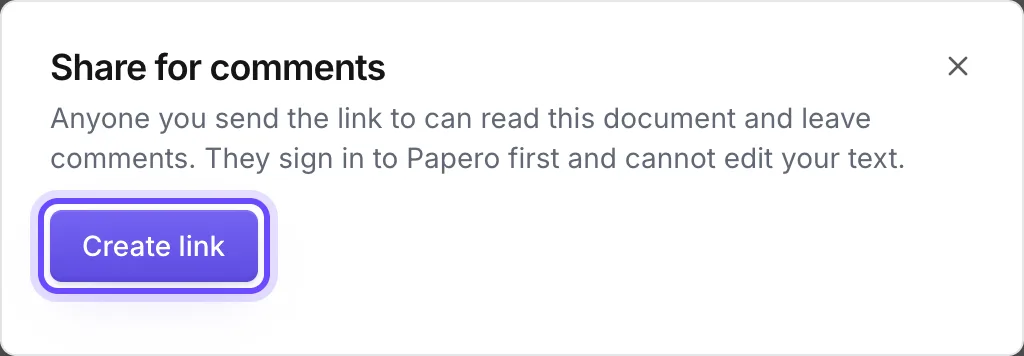
- Press Share at the top right. Add a display name if asked, then press Create link.
- Press Copy link and send it with your questions. The link is shown only once.
- To end access later, press Shared, then Stop sharing.
Practice
Your task
- Run peer review and fix one weakness it names.
- Write two questions for your reader.
- Share the link with one person and ask for comments by a date.
You are done when you changed the draft for one weakness, and one reader has left a comment on it.
Common mistakes
- Sending the draft with no questionA reader with no brief comments on commas. Say what you need.
- Acting on every commentTwo readers will disagree. Keep the changes that serve your argument.
- Sharing the link widelyAnyone who has the link can read the document while it works. Send it only to the people you want to read it.
Key points
- One or two questions and a date.
- Fix what a first pass finds before a person reads it.
- Readers comment. Only you edit.
Up next · Lesson 19 of 20 · 5 min
Write an AI use statement for your paper
A statement that matches how you worked
Mark as done and continueYou marked this lesson as done.